
Last Updated: February 17, 2026 | 8 min read
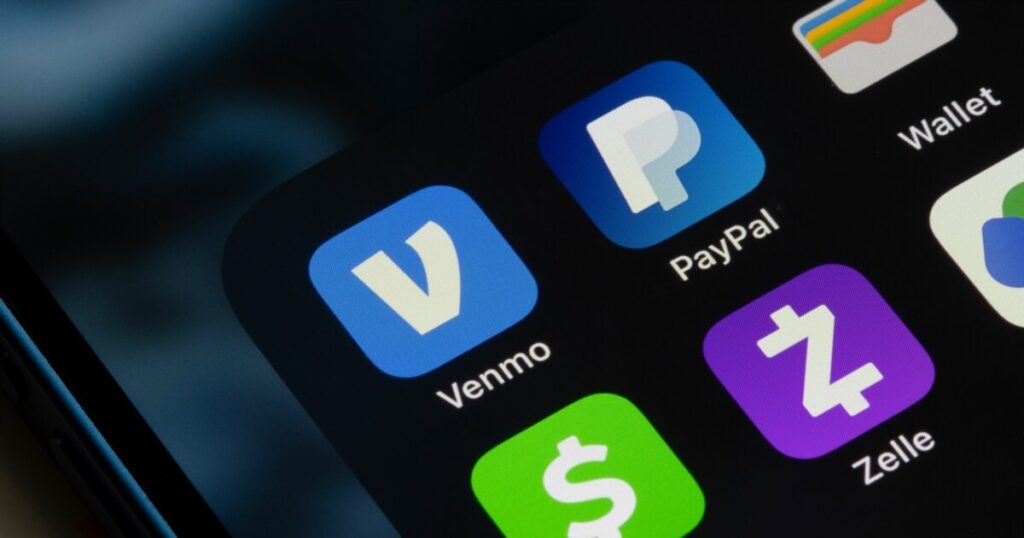
Have you ever forgotten your wallet at home but still managed to buy coffee, pay for lunch, and even send money to a friend? That’s the magic of mobile payment apps. These digital tools have transformed how we handle money, making transactions faster, safer, and incredibly convenient.
In this comprehensive guide, I’ll walk you through everything you need to know about mobile payment apps, from how they work to choosing the right one for your needs. Whether you’re a business owner or an everyday consumer, understanding mobile payment apps is essential in today’s digital world.
Quick Navigation: Explore our complete technology insights hub for more digital solution guides.
Quick Comparison: Top Mobile Payment Apps
| App Name | Best For | Transaction Fee | Settlement Time | Security Rating | Global Availability |
|---|---|---|---|---|---|
| Apple Pay | iPhone users | Free for users | Instant | ⭐⭐⭐⭐⭐ | 70+ countries |
| Google Pay | Android users | Free for users | Instant | ⭐⭐⭐⭐⭐ | 40+ countries |
| PayPal | Online payments | 2.99% + $0.49 | 1-3 days | ⭐⭐⭐⭐ | 200+ countries |
| Venmo | Friends & family | Free (bank) | 1-3 days | ⭐⭐⭐⭐ | USA only |
| Cash App | Investing + payments | Free (bank) | 1-3 days | ⭐⭐⭐⭐ | USA & UK |
| Zelle | Bank transfers | Free | Minutes | ⭐⭐⭐⭐ | USA only |
| Samsung Pay | Samsung phones | Free for users | Instant | ⭐⭐⭐⭐⭐ | 25+ countries |
| Square | Small business | 2.6% + $0.10 | 1-2 days | ⭐⭐⭐⭐⭐ | USA, Canada, UK |
What Are Mobile Payment Apps?
Mobile payment apps are software applications that allow you to make financial transactions using your smartphone or tablet. Instead of carrying cash or physical cards, you can store your payment information digitally and complete purchases with just a few taps on your phone.
Think of mobile payment apps as your digital wallet. They securely store your credit card, debit card, or bank account information, enabling you to pay at stores, send money to friends, or make online purchases without reaching for your physical wallet.
The beauty of mobile payment apps lies in their versatility. You can use them for contactless payments at retail stores, peer-to-peer money transfers, online shopping, bill payments, and even cryptocurrency transactions. This flexibility has made mobile payment apps indispensable for millions of people worldwide.
According to recent industry data, over 75% of consumers now prefer using mobile payment apps for daily transactions, and the global mobile payment market is expected to exceed $15 trillion in 2026.
How Do Mobile Payment Apps Work?
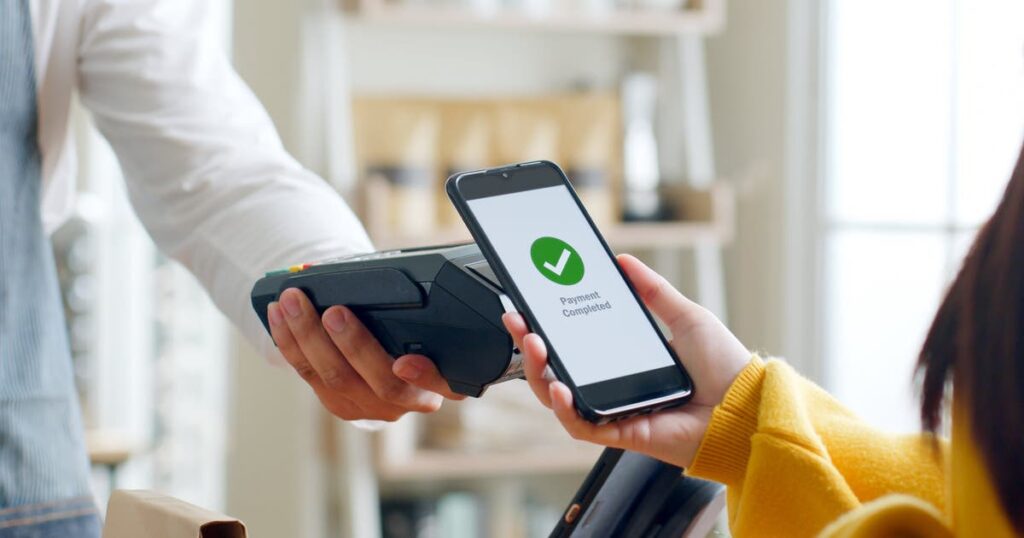
Understanding the technology behind mobile payment apps helps you appreciate their security and convenience. Let me break down the process in simple terms.
The Basic Process
When you set up mobile payment apps, you first link your payment method, typically a credit card, debit card, or bank account. The app securely stores this information using advanced encryption technology.
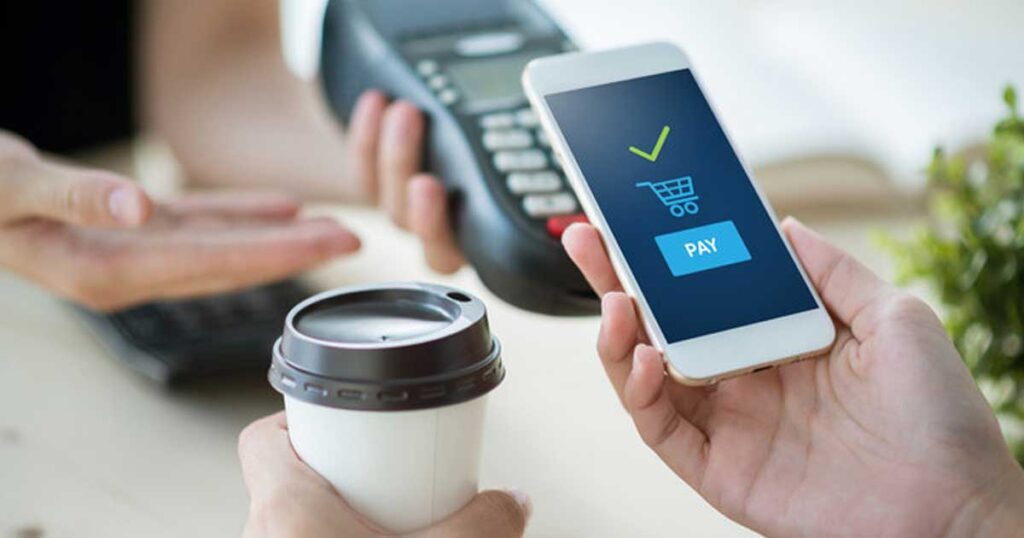
When you’re ready to make a payment, you open the app, select your payment method, and authenticate the transaction using your fingerprint, face recognition, or a PIN code. The app then communicates with the merchant’s payment terminal to complete the transaction.
The entire process takes just 3-5 seconds, compared to 15-20 seconds for traditional chip cards. This speed advantage makes the mobile payment app incredibly popular during busy shopping hours.
The Technology Behind It
Most mobile payment apps use Near Field Communication (NFC) technology for in-person payments. NFC allows your phone to communicate with payment terminals wirelessly over short distances—typically just a few centimeters. This is why you need to hold your phone close to the terminal when paying.
Some mobile payment apps use QR code technology instead. With QR codes, you either scan a code displayed by the merchant or display a code for the merchant to scan. This method is particularly popular in Asian markets and is gaining traction globally, with apps like Alipay and WeChat Pay leading the way.
Security Through Tokenization
Here’s where mobile payment apps become really interesting from a security perspective. When you make a payment, a mobile payment app doesn’t actually send your real card number to the merchant. Instead, they use something called tokenization.
Tokenization creates a unique, one-time code for each transaction. Even if someone intercepts this code, it’s completely useless for making other purchases. Your actual card number remains safely stored in the app, never exposed to merchants or potential hackers.
This makes mobile payment apps actually more secure than traditional credit cards, where your card number is printed right on the front for anyone to see.
Types of Mobile Payment Apps: Feature Comparison
| Type | Examples | Main Use | Setup Time | Learning Curve | Best For |
|---|---|---|---|---|---|
| Contactless Payment | Apple Pay, Google Pay | In-store purchases | 5 minutes | Very Easy | Daily shopping |
| Peer-to-Peer | Venmo, Cash App | Send money to friends | 10 minutes | Easy | Splitting bills |
| Business Payment | Square, Stripe | Accept payments | 30 minutes | Moderate | Merchants |
| Banking Apps | Bank mobile apps | All-in-one banking | 15 minutes | Easy | Existing bank customers |
| Cryptocurrency | Coinbase, Crypto.com | Digital currency | 20 minutes | Challenging | Crypto investors |
Contactless Payment Apps
These mobile payment app integrate with your phone’s operating system to enable tap-to-pay functionality. Apple Pay, Google Pay, and Samsung Pay fall into this category. You simply hold your phone near a contactless payment terminal, authenticate with your fingerprint or face, and the payment completes instantly.
Contactless mobile payment apps work wherever contactless credit cards are accepted, which increasingly means almost everywhere—from grocery stores and coffee shops to public transportation and parking meters.
Peer-to-Peer Payment Apps
Peer-to-peer (P2P) mobile payment app specialize in sending money to friends and family. Apps like Venmo, Cash App, and Zelle make splitting restaurant bills, paying your share of rent, or sending birthday money incredibly simple.
These mobile payment apps typically work by linking to your bank account or debit card. You can send money using just a phone number or email address, and the recipient gets the funds within minutes to a few days, depending on the app.
Business Payment Apps
For merchants and business owners, certain mobile payment apps provide comprehensive tools for accepting payments from customers. Square, PayPal, and Stripe offer card readers and software that turn smartphones or tablets into complete point-of-sale systems.
These business-focused mobile apps often include additional features like inventory management, sales reporting, employee management, and customer relationship tools—going far beyond simple payment processing.
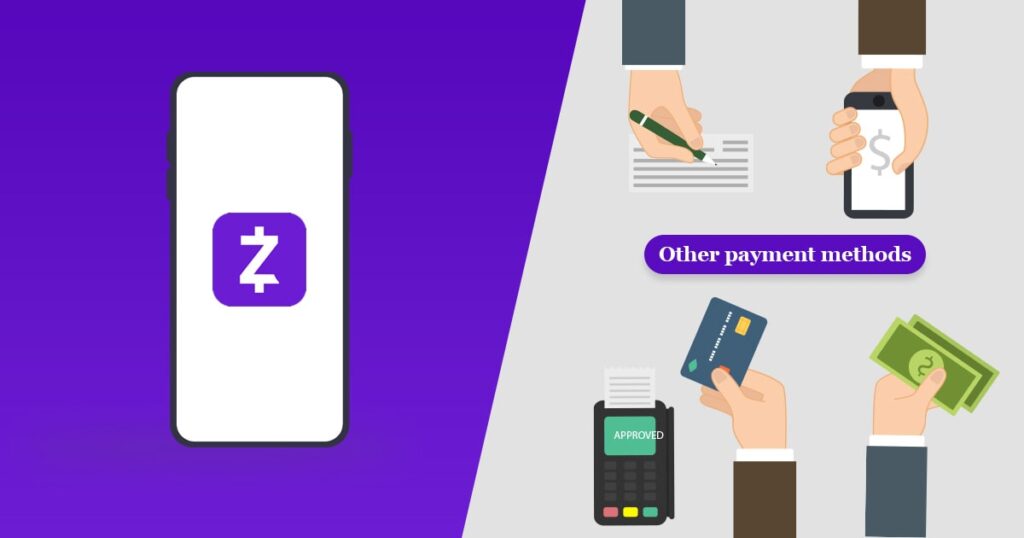
Benefits of Mobile Payment Apps
Speed Comparison: Traditional vs Mobile Payments
| Payment Method | Average Transaction Time | Customer Preference |
|---|---|---|
| Cash | 30-45 seconds | 15% |
| Chip Card | 15-20 seconds | 25% |
| Contactless Card | 5-8 seconds | 30% |
| Mobile Payment Apps | 3-5 seconds | 30% |
For Everyday Users
Convenience tops the list of benefits. I regularly leave my house with just my phone and keys, confident I can handle any payment situation. No bulky wallet, no fumbling for the right card, no worrying about having exact change.
Speed is another major advantage. Mobile payment apps complete transactions in just 3-5 seconds. While chip card readers often take 15-20 seconds to process, mobile payment app finish almost instantly. When you’re in a hurry or stuck in a long line, those seconds add up significantly.
Enhanced security gives peace of mind. If someone steals your physical wallet, they can immediately use your cards. If someone steals your phone, they need your fingerprint, face, or passcode to access mobile apps, and you can remotely wipe your phone’s data if necessary.
Automatic record-keeping eliminates the need to save receipts. Mobile payment apps maintain detailed transaction histories, making expense tracking and budgeting significantly easier. Many apps even categorize spending automatically, helping you understand where your money goes.
Rewards and cashback programs integrated into a mobile payment app can save money. Some apps offer additional rewards on top of your credit card benefits, essentially giving you double rewards for a single purchase.
For Businesses
Lower infrastructure costs make mobile payment app attractive for new businesses. Traditional point-of-sale systems cost thousands of dollars upfront, while mobile payment apps often require just a smartphone and an inexpensive card reader costing $50-200.
Faster checkout means serving more customers in less time. During peak hours, the speed of mobile payment apps can significantly increase throughput, directly impacting revenue. A coffee shop using mobile payment app can serve 3-4 times more customers during morning rush compared to cash-only operations.
Reduced cash handling eliminates many headaches. No more making change, counting registers, or bank runs. Digital payments provide automatic records and reduce both theft risk and honest mistakes.
Valuable insights come built in with modern mobile payment apps. See which products sell best, identify peak business hours, track customer behavior, and make data-driven decisions—analytics that once required expensive business intelligence software.
How to Choose the Right Mobile Payment Apps
Decision Framework: Choosing Your Mobile Payment App
| Your Priority | Best Choice | Why |
|---|---|---|
| Speed & convenience | Apple Pay / Google Pay | Fastest checkout, works everywhere |
| Zero fees | Zelle | Completely free, instant transfers |
| Business features | Square | All-in-one POS system included |
| Global payments | PayPal | Accepted in 200+ countries |
| Investment options | Cash App | Buy stocks & Bitcoin in same app |
| Social payments | Venmo | Popular with friends, social features |
| Universal acceptance | Samsung Pay | Works with old card readers too |
Consider Your Primary Use Case
If you mainly need to pay at stores and restaurants, choose mobile payment apps that integrate with your phone’s operating system. iPhone users should use Apple Pay, Android users Google Pay, and Samsung users Samsung Pay for maximum compatibility and convenience.
If you primarily send money to friends and family, peer-to-peer mobile payment apps like Venmo, Cash App, or Zelle work best. Consider which apps your friends already use—network effects matter significantly for P2P payments. There’s no point using Venmo if all your friends prefer Zelle.
If you run a business, look for mobile payment app that offer comprehensive features beyond just payment processing. Consider whether you need inventory management, employee scheduling, customer relationship tools, or integration with accounting software.
Evaluate Fees and Costs
Different mobile payment apps have vastly different fee structures. Consumer apps like Apple Pay and Google Pay charge users nothing—merchants pay the processing fees. Peer-to-peer apps typically charge nothing for standard bank transfers but may charge 1-3% for instant transfers or credit card funding.
Business-focused mobile payment apps usually charge per transaction, often ranging from 1.5% to 3.5% plus a small flat fee. Some add monthly subscription costs for advanced features. Calculate total costs based on your expected transaction volume and average sale size.
For example, if you process $10,000 monthly with an average transaction of $25, you’ll pay approximately $290 in fees at 2.9% per transaction. Understanding these costs upfront prevents unpleasant surprises later.
Check Compatibility and Acceptance
Not all mobile payment apps work everywhere. Ensure your chosen app is accepted where you shop most frequently. Check whether it works with your bank, credit cards, and any business tools you currently use.
For business owners, verify that mobile payment apps integrate with your accounting software, e-commerce platform, or other essential tools. Switching payment processors later is painful and expensive, so choose carefully from the start.
Security Best Practices for Mobile Payment Apps
Security Features Comparison
| Security Feature | Apple Pay | Google Pay | PayPal | Venmo | Cash App |
|---|---|---|---|---|---|
| Biometric authentication | ✅ | ✅ | ⚠️ Optional | ⚠️ Optional | ⚠️ Optional |
| Two-factor authentication | ✅ | ✅ | ✅ | ✅ | ✅ |
| Transaction tokenization | ✅ | ✅ | ✅ | ✅ | ✅ |
| Real-time alerts | ✅ | ✅ | ✅ | ✅ | ✅ |
| Fraud monitoring | ✅ | ✅ | ✅ | ⚠️ Limited | ⚠️ Limited |
| Buyer protection | ✅ | ✅ | ✅ | ❌ | ❌ |
While mobile payment app are inherently secure, following best practices maximizes your protection against fraud and theft.
Protect Your Device
Your phone is now your wallet, so protect it accordingly. Use a strong passcode (at least 6 digits), enable biometric authentication, and activate remote wipe capabilities. Never leave your phone unattended in public places.
Keep your phone’s operating system and mobile payment apps updated. Security patches often address newly discovered vulnerabilities, and delayed updates leave you exposed to known threats. Enable automatic updates whenever possible.
Use Two-Factor Authentication
Enable two-factor authentication (2FA) on all mobile payment apps that offer it. Even if someone obtains your password, 2FA requires a second verification step—usually a code sent to your phone or email—making unauthorized access extremely difficult.
According to security experts, 2FA prevents over 99% of automated attacks on accounts. This simple step dramatically improves your mobile payment apps’ security.
Monitor Your Transactions
Review your mobile payment apps regularly for unauthorized transactions. Enable push notifications so you receive alerts for every payment. The sooner you detect fraud, the easier it is to resolve and limit damages.
Most mobile payment apps allow you to dispute transactions within 60 days, but faster reporting leads to better outcomes. Check your accounts at least weekly, and investigate any unfamiliar charges immediately.
Be Cautious with Peer-to-Peer Payments
Money sent through peer-to-peer mobile payment apps is often irreversible, with minimal fraud protection. Only send money to people you know and trust. Verify recipient information carefully before sending—typos can mean your money goes to the wrong person permanently.
Never use P2P mobile payment apps for business transactions with strangers. These apps lack the buyer protection that credit cards and PayPal offer for commercial purchases.
The Future of Mobile Payment Apps
Emerging Trends in Mobile Payments
| Trend | Current Status | Expected Impact | Timeline |
|---|---|---|---|
| Cryptocurrency integration | Growing | High | 2026-2027 |
| Biometric advances | Testing | Very High | 2027-2028 |
| AI-powered insights | Early adoption | High | 2026-2027 |
| Voice-activated payments | Limited | Medium | 2028-2029 |
| Wearable payment devices | Expanding | High | 2026-2027 |
| Cross-border instant transfers | Developing | Very High | 2027-2028 |
Mobile payment apps continue evolving rapidly, with several exciting trends shaping the future of digital payments.
Cryptocurrency Integration
More mobile payment apps are adding cryptocurrency support, allowing users to buy, sell, and spend digital currencies alongside traditional money. Cash App and PayPal already offer Bitcoin purchases, and this integration makes cryptocurrency more accessible and practical for everyday transactions.
By 2027, experts predict that major mobile payment apps will support 10+ cryptocurrencies, making digital currency transactions as simple as traditional payments.
Interested in accepting cryptocurrency? Our detailed cryptocurrency payment integration guide (coming May 2026) walks you through the entire process—from choosing the right crypto wallet to handling tax implications, managing volatility, and integrating Bitcoin, Ethereum, and stablecoins into your existing payment infrastructure.
Artificial Intelligence
AI-powered features in mobile payment apps will provide smarter spending insights, automatic budgeting, personalized financial advice, and proactive fraud detection. Your payment app may soon alert you to unusual spending patterns before you even notice them.
Imagine mobile payment apps that automatically categorize expenses, predict your monthly spending, suggest savings opportunities, and warn you about potential fraudulent charges—all without manual input.
Expanded Functionality
Mobile payment apps are becoming complete financial platforms. Beyond payments, expect more apps to offer banking services, investment options, insurance products, and financial planning tools—all integrated into one seamless experience.
The line between mobile payment apps and traditional banks is blurring, with many apps now offering features that rival full-service banks.
Common Questions About Mobile Payment Apps
Are mobile payment apps safe to use?
Yes, mobile payment apps are generally safer than physical credit cards. They use military-grade encryption, tokenization, and biometric authentication to protect your information. However, security also depends on you—use strong passwords, enable two-factor authentication, and keep your phone secured with biometric locks.
Do mobile payment apps charge fees?
For consumers, most mobile payment apps are free for basic features. Some charge fees for instant transfers (typically 1-3%) or credit card funding (usually 3%). For businesses, mobile payment apps typically charge processing fees of 1.5% to 3.5% per transaction, though rates vary significantly by provider and transaction volume.
Can I use mobile payment apps without internet?
Most mobile payment apps require internet connectivity, but some like Apple Pay and Google Pay, can process limited transactions offline using NFC technology. However, features like viewing transaction history, sending money to friends, or making online purchases typically require an internet connection.
What happens if my phone is lost or stolen?
Immediately contact your mobile service provider to suspend service, then use remote wipe features to erase your phone’s data. Most mobile payment apps require authentication (fingerprint, face, PIN) to complete transactions, so your money remains protected even if your phone is stolen. You can also temporarily freeze your cards through the app from another device.
Which mobile payment apps are most widely accepted?
Globally, Apple Pay and Google Pay have the widest acceptance at physical stores because they work with standard contactless payment terminals. PayPal dominates online payments with acceptance at millions of merchants worldwide. However, acceptance varies by country—Alipay and WeChat Pay lead in China, while Paytm dominates in India.
Conclusion: Making the Smart Choice
Mobile payment apps have fundamentally changed how we interact with money. They’ve made payments faster, safer, and more convenient while providing valuable insights into our spending habits.
Whether you’re a consumer looking for easier ways to pay or a business owner seeking to improve operations, mobile payment apps offer compelling benefits that justify their rapid adoption worldwide. Over 75% of consumers now prefer mobile payment apps for daily transactions, and this number continues growing.
The key is choosing the right mobile payment apps for your specific needs. Consider your primary use case, evaluate fees carefully, verify compatibility, prioritize security, and don’t hesitate to try multiple options before settling on your favorites.
For everyday shopping, stick with your phone’s native option: Apple Pay for iPhone, Google Pay for Android, Samsung Pay for Galaxy devices. For sending money to friends, choose Zelle for speed and zero fees, or Venmo if your social circle uses it. For business, Square offers the best all-in-one solution for small businesses.
As technology continues advancing, mobile payment apps will only become more capable and essential. The future of payments is digital, mobile, and already here. The question isn’t whether to start using mobile payment apps, it’s which ones work best for you.
Start exploring mobile payment apps today, and experience firsthand how they can simplify your financial life. The learning curve is minimal, the benefits are substantial, and the future is already in your pocket.
Key Takeaways: Mobile Payment Apps
✅ Mobile payment apps are safer than physical cards – tokenization protects your information
✅ Transaction speed averages 3-5 seconds – much faster than traditional methods
✅ Most consumer mobile payment apps are free – only businesses pay processing fees
✅ Choose based on your device – Apple Pay for iPhone, Google Pay for Android
✅ Enable two-factor authentication – prevents 99% of account attacks
✅ Market exceeds $15 trillion globally – mobile payment apps are the future
About Cognetify: We provide expert technology insights and comprehensive guides to help individuals and businesses navigate the digital world. Our content is thoroughly researched and based on real-world testing and experience.
Disclaimer: This article provides general information about mobile payment apps. Always review terms of service, fees, and security features with specific apps before use. Financial decisions should be made based on your individual circumstances.

- How to Secure Your Mobile Banking App from Hackers in 2026 - March 6, 2026
- Best Accounting Software for Multiple Businesses 2026 | Best Tools - March 6, 2026
- Is It Evaluate The Fintech Digital Wallets Worth It in 2026? - March 5, 2026